|
|
|
|
|
|
|
|
|
 Posted: Wed Aug 21, 2024 10:41 am Posted: Wed Aug 21, 2024 10:41 am
|
|
|
|
|
|
|
|
|
|
Posted: Thu Oct 03, 2024 4:23 pm
Accepting a Mission Invite
It should look like this:
MISSION ACCEPTED!
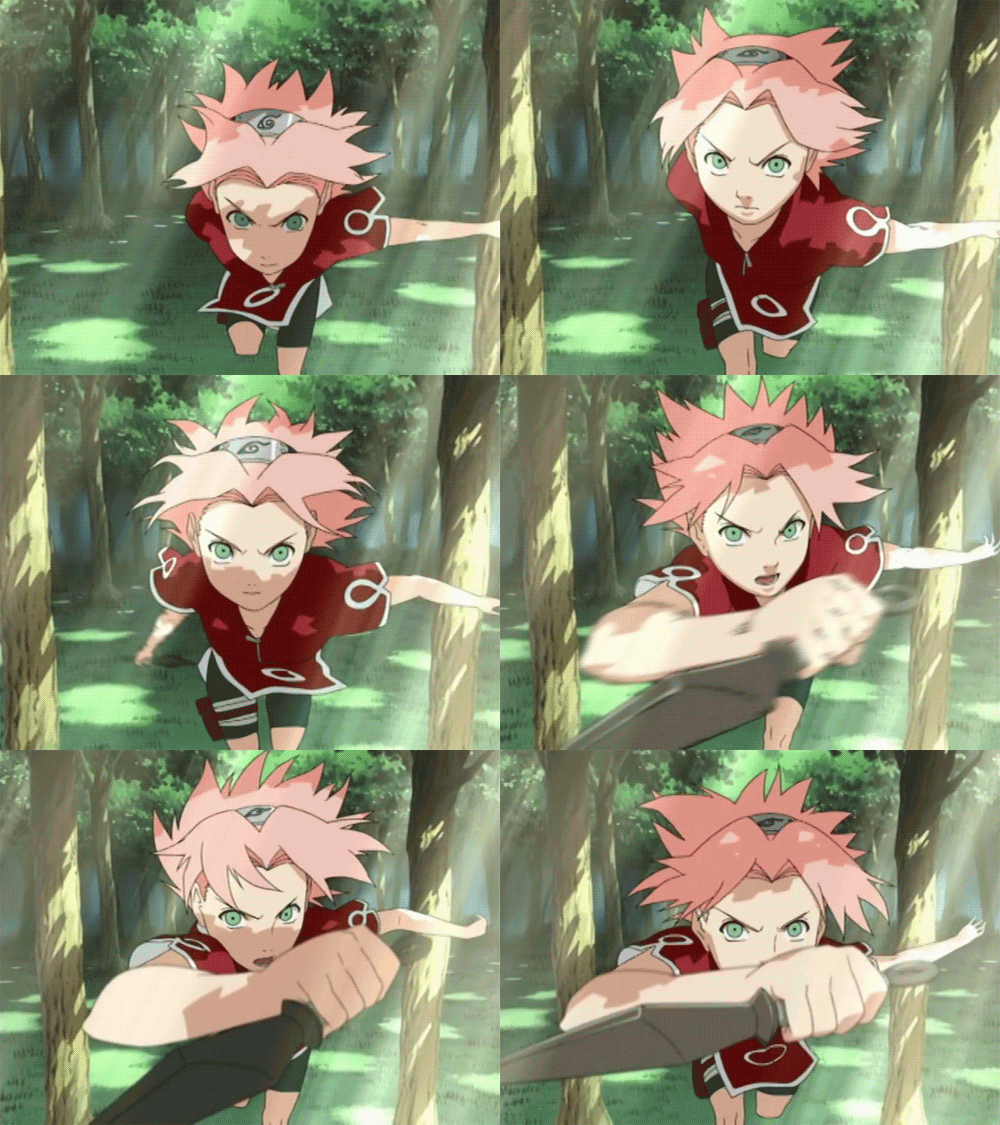
Comment:
Cha!
Copy this code and adjust it with your info and your opponents info, change what is in uppercase, but the message "MISSION ACCEPTED!":
[quote=ADD TEAM LEADER USERNAME][/quote]
[b][size=30]CHALLENGE ACCEPTED![/size][/b]
[img=300]ADD AN IMAGE URL OR ERASE ENTIRE LINE[/img]
[size=15][b]Comment:[/b][/size]
[size=15]ADD A COMMENT OR ERASE ENTIRE LINE[/size]
[spoiler]
[url=https://www.gaiaonline.com/guilds/viewtopic.php?t=25605429][img=600]https://res.cloudinary.com/dsljslsc0/image/upload/v1726078345/ranksbutton_cs0jvo.png[/img][/url]
[img=600]https://res.cloudinary.com/dsljslsc0/image/upload/v1725944956/STATSINFO_g7mdmx.png[/img]
[url=https://www.gaiaonline.com/guilds/viewforum.php?f=1587312][img=300]https://res.cloudinary.com/dsljslsc0/image/upload/v1724183729/formats_button_u1o5aa.png[/img][/url][url=https://www.gaiaonline.com/guilds/viewtopic.php?t=25650882][img=300]https://res.cloudinary.com/dsljslsc0/image/upload/v1724179832/images_button_expj3a.png[/img][/url]
[url=https://www.gaiaonline.com/guilds/viewforum.php?f=1587396][img=300]https://res.cloudinary.com/dsljslsc0/image/upload/v1726171407/rules_button_gnjyu3.png[/img][/url][url=https://www.gaiaonline.com/guilds/viewtopic.php?t=25650885][img=300]https://res.cloudinary.com/dsljslsc0/image/upload/v1724178902/techniques_button_jdetvf.png[/img][/url]
[/spoiler]
|
 |
|
|
|
|
|
|
|
|
|
|
|
|
|
|
|
|
Posted: Thu Oct 03, 2024 4:25 pm
Reject a Mission Invite
It should look like this:
Sorry, not right now...

Comment:
I can't right now gonk !
Copy this code and adjust it with your info and your opponents info, change what is in uppercase:
[quote=ADD TEAM LEADER USERNAME][/quote]
[b][size=30]Sorry, not right now...[/size][/b]
[img=300]ADD AN IMAGE URL OR ERASE ENTIRE LINE[/img]
[size=15][b]Comment:[/b][/size]
[size=15]ADD A COMMENT OR ERASE ENTIRE LINE[/size]
|
|
|
|
|
|
|
|
|
|
|
|
|
|
|
Posted: Thu Oct 03, 2024 4:26 pm
Replying
DON´T FORGET TO GET A RANDOM NUMBER FROM 1 TO 6!!!!
It should look like this, suppose you got a hit:
----------------------------------------------------------------
----------------------------------------------------------------
Comment:
*hits chakra points* cool
Copy this code and adjust it with your info and your opponents info, change what is in uppercase:
[quote=ADD TEAM LEADER USERNAME][/quote]
----------------------------------------------------------------
ADD HIT OR MISS IMAGE, FIND IT IN IMAGE LIBRARY
----------------------------------------------------------------
[img=300]ADD AN IMAGE URL OR ERASE ENTIRE LINE[/img]
[size=15][b]Comment:[/b][/size]
[size=15]ADD A COMMENT OR ERASE ENTIRE LINE[/size]
[spoiler]
[url=https://www.gaiaonline.com/guilds/viewtopic.php?t=25605429][img=600]https://res.cloudinary.com/dsljslsc0/image/upload/v1726078345/ranksbutton_cs0jvo.png[/img][/url]
[img=600]https://res.cloudinary.com/dsljslsc0/image/upload/v1725944956/STATSINFO_g7mdmx.png[/img]
[url=https://www.gaiaonline.com/guilds/viewforum.php?f=1587312][img=300]https://res.cloudinary.com/dsljslsc0/image/upload/v1724183729/formats_button_u1o5aa.png[/img][/url][url=https://www.gaiaonline.com/guilds/viewtopic.php?t=25650882][img=300]https://res.cloudinary.com/dsljslsc0/image/upload/v1724179832/images_button_expj3a.png[/img][/url]
[url=https://www.gaiaonline.com/guilds/viewforum.php?f=1587396][img=300]https://res.cloudinary.com/dsljslsc0/image/upload/v1726171407/rules_button_gnjyu3.png[/img][/url][url=https://www.gaiaonline.com/guilds/viewtopic.php?t=25650885][img=300]https://res.cloudinary.com/dsljslsc0/image/upload/v1724178902/techniques_button_jdetvf.png[/img][/url]
[/spoiler]
GO TO IMAGE LIBRARY
|
|
|
|
|
|
|
|
|
|
|
|
|
|
|
|
|
|
Posted: Thu Oct 03, 2024 4:29 pm
Start a mission and recruit a team
After you select your desired mission, check its rank and keep it open to copy the codes.
If you start a mission, you are the team leader.
Team members are:
Shinobi 2
Shinobi 3
Make sure to update the special techniques' info per user (substitution, genjutsu, etc.).
It should look something like this (this is an example):
D Rank Mission: Capture lost pet "Tora" cat_ninja
Opponents:
Tora: Genin
Description:
Tora, the pet of Madame Shijimi, the Feudal Lord's wife, is missing. He has a red ribbon on his right ear. Find the cat and bring it to the Hokage Manor.
----------------------------------------------------------------
----------------------------------------------------------------
| | THE H0KAGE | | 20929560 | Substitution: 0
Genjutsu: 0
----------------------------------------------------------------
| | |
| ----------------------------------------------------------------
----------------------------------------------------------------
| | THE H0KAGE | | 20929560 | Substitution: 0
Genjutsu: 0
----------------------------------------------------------------
| | |
| ----------------------------------------------------------------
----------------------------------------------------------------
| | THE H0KAGE | | 20929560 | Substitution: 0
Genjutsu: 0
----------------------------------------------------------------
| | |
|
|
Copy this code and change what is in uppercase.
[quote=ADD SHINOBI 2 USERNAME][/quote]
[quote=ADD SHINOBI 3 USERNAME][/quote]
ADD THE INTRO CODE FROM THE CHOSEN MISSION
[table]
[tr]
[td]
ADD TEAM LEADERS (YOU) CODE, FIND IT IN RANKS
[/td]
[td]
ADD SHINOBI 2 CODE, FIND IT IN RANKS
[/td]
[td]
ADD SHINOBI 3 CODE, FIND IT IN RANKS
[/td]
[td]
[img=280]https://res.cloudinary.com/dsljslsc0/image/upload/v1724254520/EMPTYUSER4_fasucd.png[/img]
[/td]
[/tr]
[/table]
|
|
|
|
|
|
|
|
|
|
|
|
|
|
|
Posted: Thu Oct 03, 2024 4:35 pm
Cancel a Mission
It should look like this:
MISSION CANCELLED
Comment:
Maybe next time, guys! When we are all available!
Copy this code and adjust it with your info and your opponents info, change what is in uppercase, but the "MISSION CANCELLED":
[quote=ADD SHINOBI 2 USERNAME][/quote]
[quote=ADD SHINOBI 3 USERNAME][/quote]
[b][size=30]MISSION CANCELLED[/size][/b]
[img=300]ADD AN IMAGE URL OR ERASE ENTIRE LINE[/img]
[size=15][b]Comment:[/b][/size]
[size=15]ADD A COMMENT OR ERASE ENTIRE LINE[/size]
|
|
|
|
|
|
|
|
|
|
|
|
|
|
|
|
|
|
Posted: Thu Oct 03, 2024 4:39 pm
Opponent's Attacks
The opponent's attack will be directed one by one in the team's order (no matter who is attacking). This is going to be controlled by the team leader. Make sure to quote every team member so they can know what is going on. But write "Your Turn" inside the quote so that they know that it is they're turn.
Remember you need to update the special techniques (substitution, genjutsu, etc.) per team member, each turn.
Blue chakra level: for the team
Purple chakra level: for opponents
It should look something like this (this is an example), let suppose this opponent is already damaged, he has a chakra level of 3 and his attack was directed to Shinobi 2 (successful). As you can see Shinobi 2 chakra level is now 4:
----------------------------------------------------------------
----------------------------------------------------------------
Zabuza
Level: Jounin

Comment:
Die!
----------------------------------------------------------------
----------------------------------------------------------------
----------------------------------------------------------------
----------------------------------------------------------------
| | THE H0KAGE | | 20929560 | Substitution: 0
Genjutsu: 0
----------------------------------------------------------------
| | |
| ----------------------------------------------------------------
----------------------------------------------------------------
| | THE H0KAGE | | 20929560 | Substitution: 0
Genjutsu: 0
----------------------------------------------------------------
| | |
| ----------------------------------------------------------------
----------------------------------------------------------------
| | THE H0KAGE | | 20929560 | Substitution: 0
Genjutsu: 0
----------------------------------------------------------------
| | |
|
|
Copy this code and change what is in uppercase.
[quote=ADD SHINOBI 2 USERNAME]ADD Your Turn IF IT'S THEIR TURN, IF NOT, ERASE THIS QUOTE CONTENT[/quote]
[quote=ADD SHINOBI 3 USERNAME]ADD Your Turn IF IT'S THEIR TURN, IF NOT, ERASE THIS QUOTE CONTENT[/quote]
----------------------------------------------------------------
ADD OPPONENTS CHAKRA LEVEL, FIND IT IN IMAGE LIBRARY
----------------------------------------------------------------
[color=violet][b]ADD OPONENT'S NAME[/b][/color]
Level: ADD OPPONENT'S RANK
[img=300]ADD IMAGE URL FROM CHOSEN MISSION[/img]
[size=15][b]Comment:[/b][/size]
[size=15]ADD COMMENT FROM CHOSEN MISSION [/size]
----------------------------------------------------------------
ADD HIT OR MISS IMAGE, FIND IT IN IMAGE LIBRARY
----------------------------------------------------------------
[table]
[tr]
[td]
ADD TEAM LEADERS (YOU) CODE, FIND IT IN RANKS
[/td]
[td]
ADD SHINOBI 2 CODE, FIND IT IN RANKS
[/td]
[td]
ADD SHINOBI 3 CODE, FIND IT IN RANKS
[/td]
[td]
[img=280]https://res.cloudinary.com/dsljslsc0/image/upload/v1724254520/EMPTYUSER4_fasucd.png[/img]
[/td]
[/tr]
[/table]
GO TO IMAGE LIBRARY
|
|
|
|
|
|
|
|
|
|
|
|
|
|
|
Posted: Thu Oct 03, 2024 4:41 pm
|
|
|
|
|
|
|
|
|
|
|
|
|
Posted: Thu Oct 03, 2024 4:42 pm
Mission Failed
The team's leader is responsible for making the final comment when the mission is either failed or completed
It should look like this:
Comment:
You were hit by Kidomaru's arrow and couldn't stop Sasuke from leaving...
Copy this code :
[img=700]https://res.cloudinary.com/dsljslsc0/image/upload/v1724267420/missionfailed_ir0ntl.png[/img]
[img=300]ADD IMAGE URL FROM CHOSEN MISSION
[/img]
[size=15][b]Comment:[/b][/size]
[size=15]ADD COMMENT FROM CHOSEN MISSION
[/size]
|
|
|
|
|
|
|
|
|
|
|
|
|
|
|
Posted: Thu Oct 03, 2024 4:43 pm
Mission Completed
The team's leader is responsible for making the final comment when the mission is either failed or completed
It should look like this:

Comment:
You successfully stopped Mizuki and the idiot brothers: Fujin and Raijin!.
Copy this code :
[img=700]https://res.cloudinary.com/dsljslsc0/image/upload/v1724267425/missioncomplete_r8gmqe.png[/img]
[img=300]ADD IMAGE URL FROM CHOSEN MISSION
[/img]
[size=15][b]Comment:[/b][/size]
[size=15]ADD COMMENT FROM CHOSEN MISSION
[/size]
|
|
|
|
|
|
|
|
|
|
|
|
|
|
|
|
|
|
|