|
|
|
|
|
|
|
|
|
 Posted: Mon Feb 25, 2013 4:29 pm Posted: Mon Feb 25, 2013 4:29 pm
 Scales are easy, yet a very time consuming coloration for one to do. They are not an edit in Angel's Wistas, nor will they ever be but I will show you how to color them here on a pet in a very simple way so you may add as many scales to you want ANYWHERE on your pet just by showing you on this simple sphere I have made for you here. Scales are easy, yet a very time consuming coloration for one to do. They are not an edit in Angel's Wistas, nor will they ever be but I will show you how to color them here on a pet in a very simple way so you may add as many scales to you want ANYWHERE on your pet just by showing you on this simple sphere I have made for you here.
Start with a base color first on the color layer of your template. It doesn't have to be perfect, you can go back and change it later. I chose a green here to start with. Now make a new layer and if you have the option to make it a clipping mask, do so now if it isn't already from your shading template.
|
 |
|
|
|
|
|
|
|
|
|
|
|
|
|
Posted: Mon Feb 25, 2013 4:32 pm
 First pick a dark color, this can be a dark color for what you want the color of your scales to be or you can pick a random color and go and change your color when you finish, its up to you really, but here I'm going to chose a dark color of what my scales are going to be. They will be a blue so I want to start with dark blue. First pick a dark color, this can be a dark color for what you want the color of your scales to be or you can pick a random color and go and change your color when you finish, its up to you really, but here I'm going to chose a dark color of what my scales are going to be. They will be a blue so I want to start with dark blue.
Make an oval shape. That's all you have to do. Just make an oval now on your new layer I told you to make in the previous step. Can you believe you just made a scale. Yes you did. Now on to the next step.
|
|
|
|
|
|
|
|
|
|
|
|
|
|
|
|
|
|
Posted: Mon Feb 25, 2013 4:36 pm
 now create a series of these ovals on your pet, varying their shapes from larger, to smaller and in vast quantity to sparse quantity depending on where they are located on your pet. If you have a lot of scales near the eye, you want to have it to where no skin shows there yes? so you want to make practically most if not all of that covered in this dark color you chose and then as it gets farther away from the area you picked, there will be less scales unless the WHOLE pet is covered in the scales. In which case, cover the whole pet in this dark color or in the dark colors of its markings. now create a series of these ovals on your pet, varying their shapes from larger, to smaller and in vast quantity to sparse quantity depending on where they are located on your pet. If you have a lot of scales near the eye, you want to have it to where no skin shows there yes? so you want to make practically most if not all of that covered in this dark color you chose and then as it gets farther away from the area you picked, there will be less scales unless the WHOLE pet is covered in the scales. In which case, cover the whole pet in this dark color or in the dark colors of its markings.
Pets covered all the way in scales will obviously have markings on them, you will have to still do this dotting technique when applying the markings, do not forget this.
|
|
|
|
|
|
|
|
|
|
|
|
|
|
|
Posted: Mon Feb 25, 2013 4:39 pm
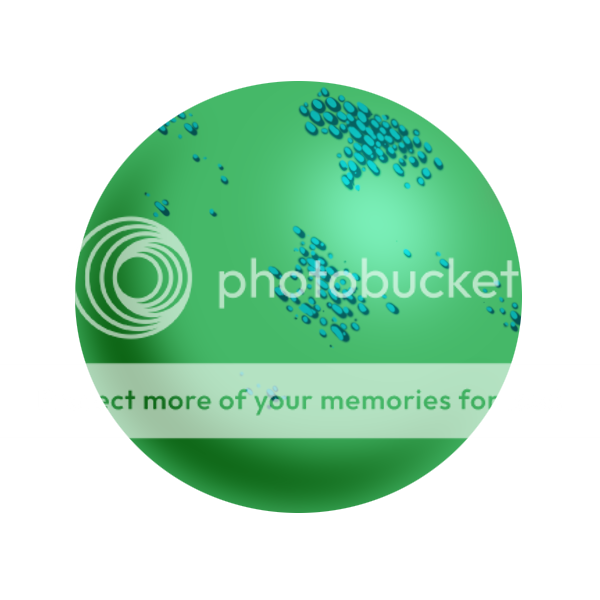
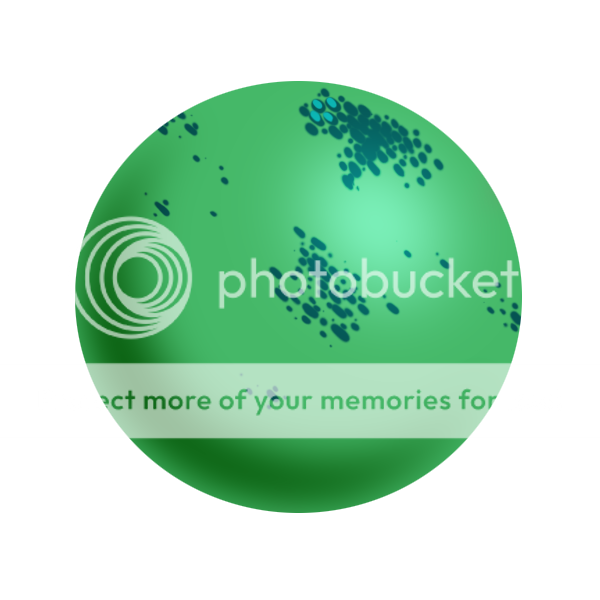 Now that the overall area of your scales is filled in, you will want to pick the color of your scales. Create a new layer, make it a clipping mask if you need to, and now put this color on top of your previous color of scales in the same manner but with a smaller brush and obviously a smaller size. This will give the illusion that the scale is getting depth and its own shading. Do this for all the scales. Now that the overall area of your scales is filled in, you will want to pick the color of your scales. Create a new layer, make it a clipping mask if you need to, and now put this color on top of your previous color of scales in the same manner but with a smaller brush and obviously a smaller size. This will give the illusion that the scale is getting depth and its own shading. Do this for all the scales.
|
|
|
|
|
|
|
|
|
|
|
|
|
|
|
|
|
|
Posted: Mon Feb 25, 2013 4:42 pm
 Next with an even lighter color of your chosen color, you want to add highlights to your scales. This will complete the look of your coloration of scales by doing this to every scale or most of the scales at least, you may leave the tiniest ones alone or if they are to be very dark, leave them dark, but for the most part you need to do all three of these steps to make these look like scales. Next with an even lighter color of your chosen color, you want to add highlights to your scales. This will complete the look of your coloration of scales by doing this to every scale or most of the scales at least, you may leave the tiniest ones alone or if they are to be very dark, leave them dark, but for the most part you need to do all three of these steps to make these look like scales.
|
|
|
|
|
|
|
|
|
|
|
|
|
|
|
Posted: Mon Feb 25, 2013 4:49 pm
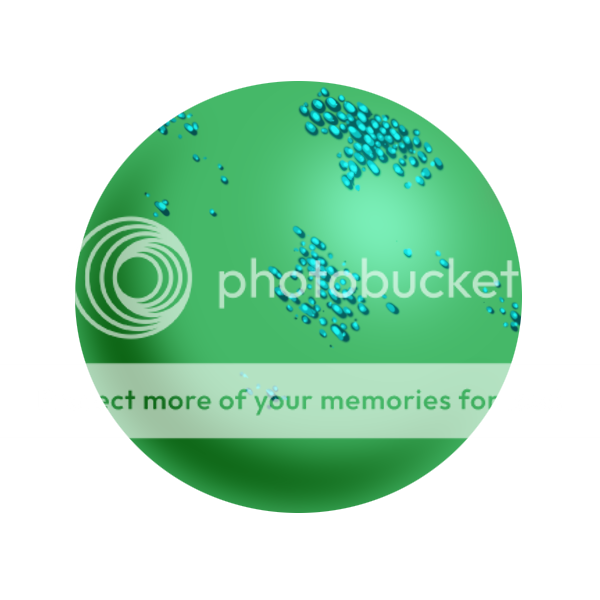 Once you finish, you'll be able to get things along the lines of these epic Pets for sure ^^ Once you finish, you'll be able to get things along the lines of these epic Pets for sure ^^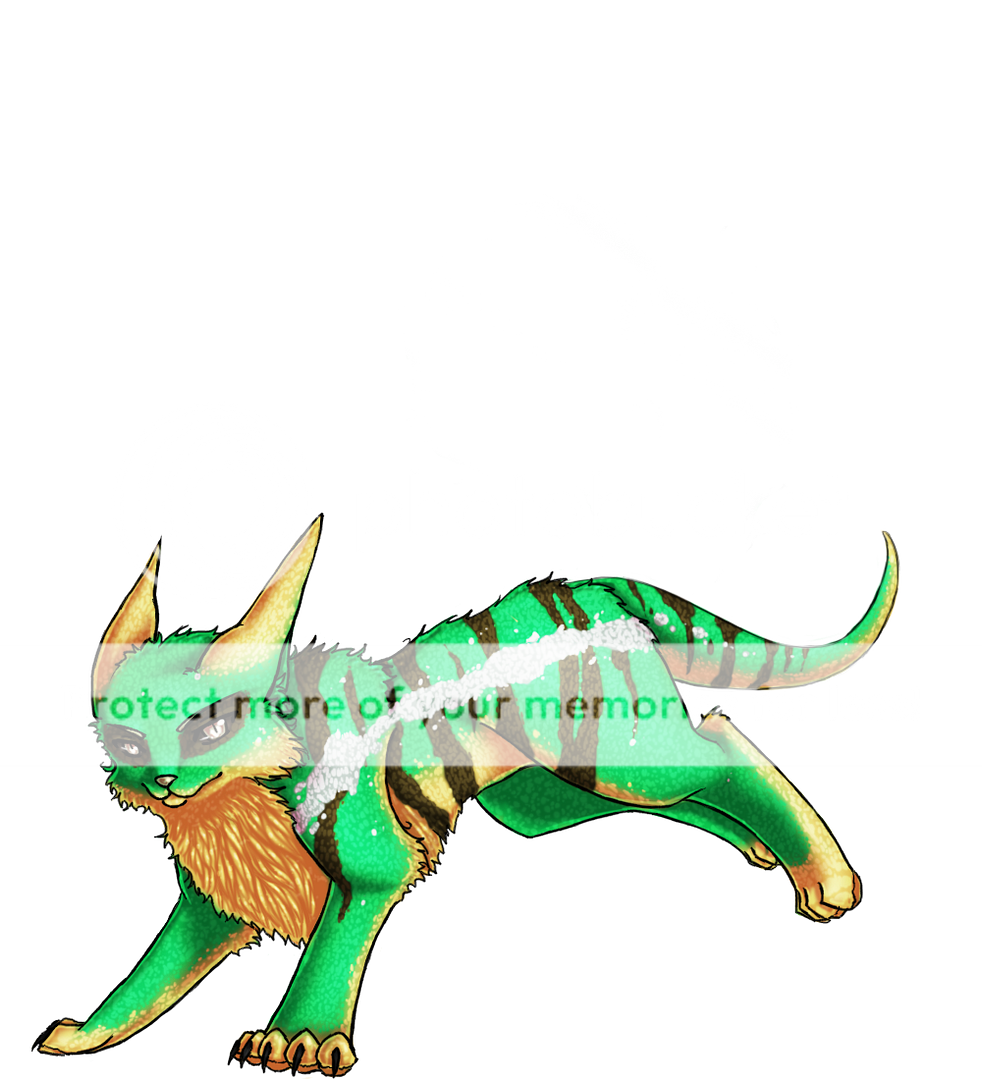 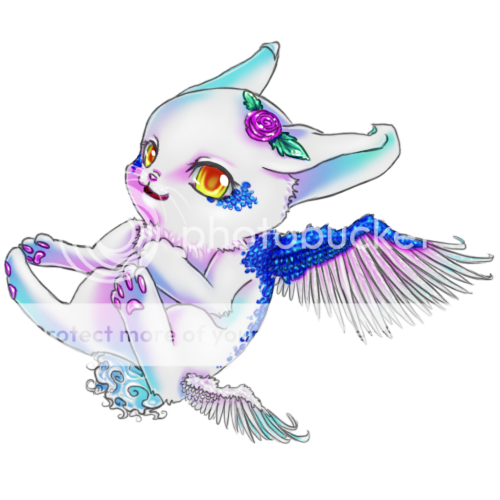
|
|
|
|
|
|
|
|
|
|
|
|
|
|
|
|
|
|
|