Welcome to Gaia! ::

Reply Library (tutorials)
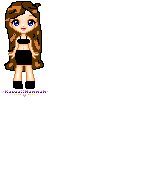
how to make a pixel doll :) U/C

Quick Reply

Enter both words below, separated by a space:

Can't read the text? Click here

Submit

randomized mind

Romantic Autobiographer

9,125 Points
  • Somebody Likes You 100
  • Object of Affection 150
  • V-Day 2011 Event 100
PostPosted: Sat Aug 23, 2008 7:43 pm


any questions about the tutorial etc will be posted here smile

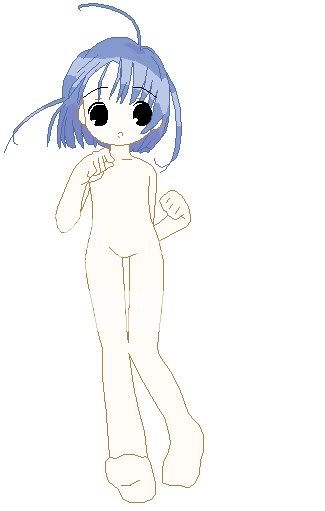
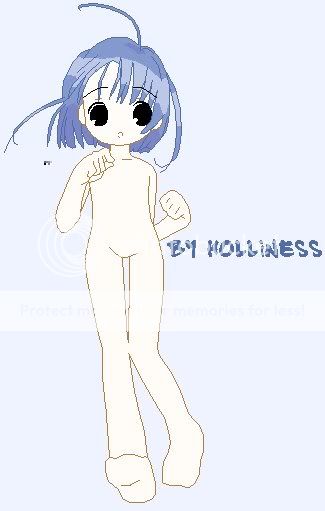
1.first of all I get a base (base by holliness)
User Image
2.next is that i remove the excess
User Image
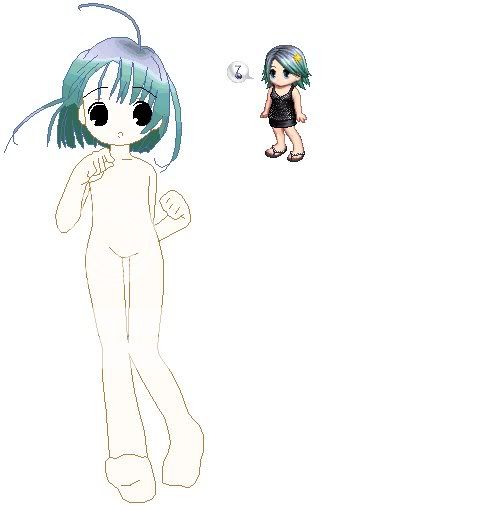
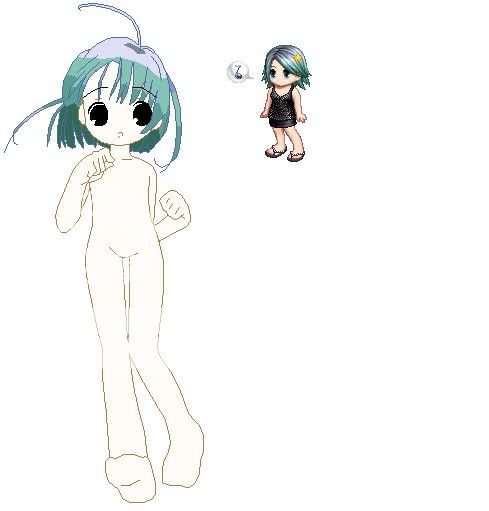
3.i put my reference picture which is my avatar
and start fixing the colors of the hair
User Image
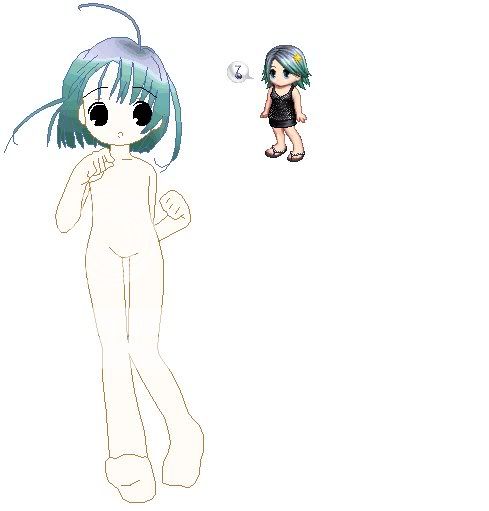
4.after that blend the colors a bit
User ImageUser Image
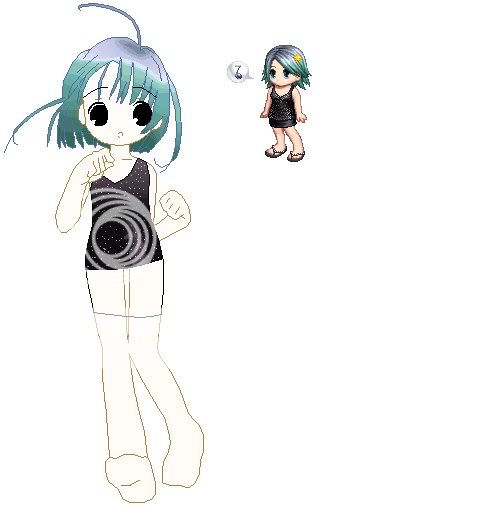
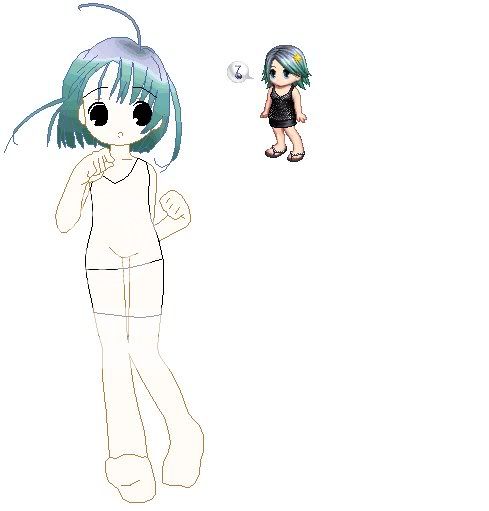
5.when done start making the outline of the clothes
User Image
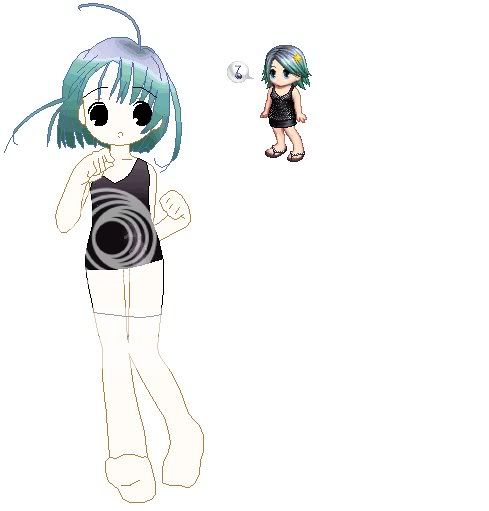
6.put in the basic colors and shading
User Image
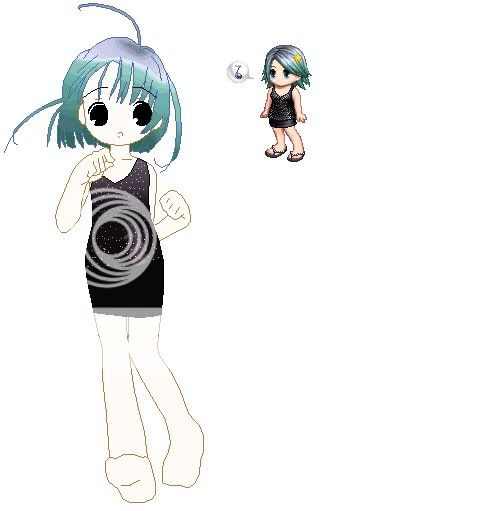
7.then put on the designs
User Image
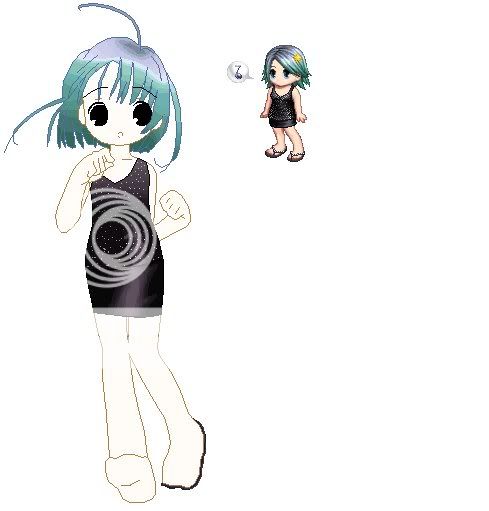
6.start next with the bottom
User Image
7.put shading
User Image
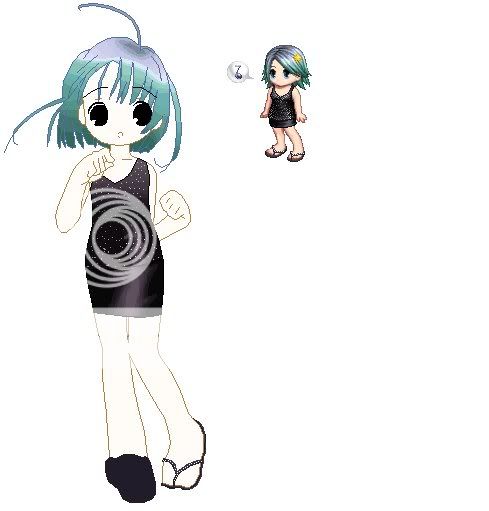
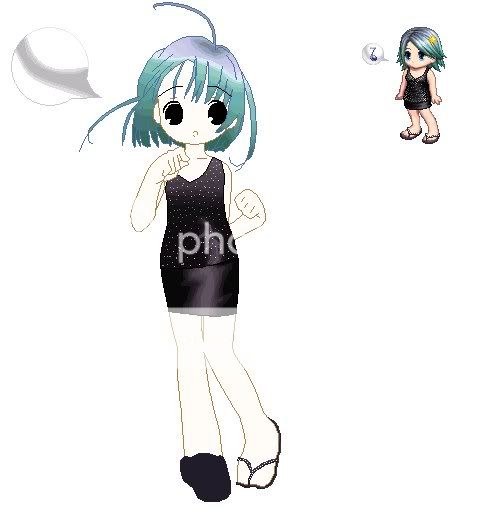
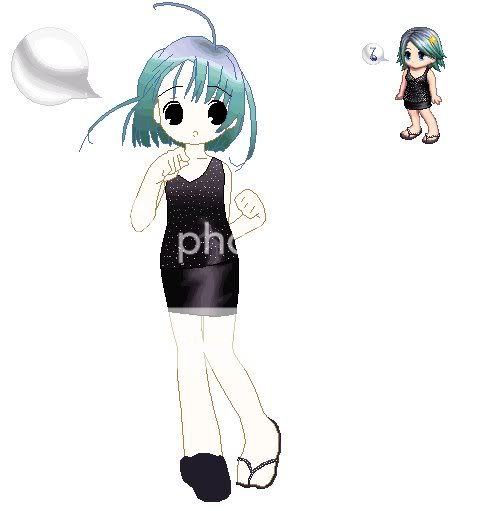
8.go now for the footwear
User Image
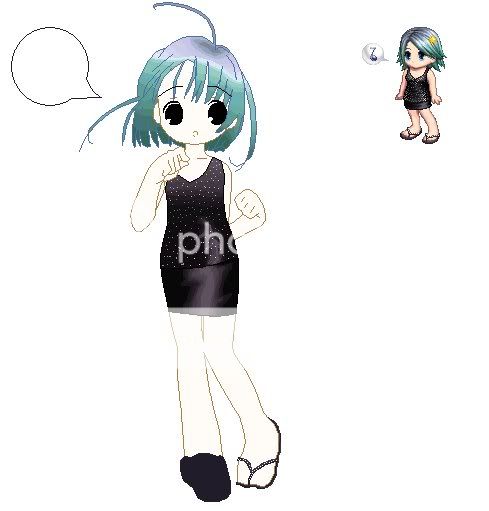
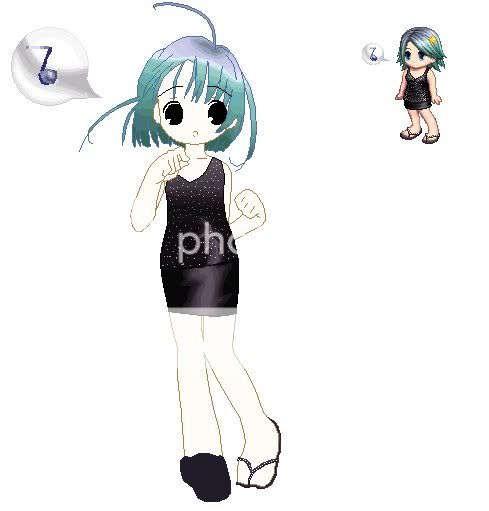
9.add the accessories
User ImageUser ImageUser Image
10....
User Image
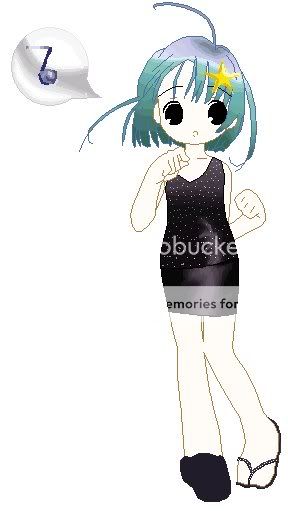
11.and youre done!
User Image
PostPosted: Mon Aug 25, 2008 3:02 pm


wow nice shadding!! O.O

Eduard Von Adler

6,600 Points
  • Full closet 200
  • Invisibility 100
  • Brandisher 100

randomized mind

Romantic Autobiographer

9,125 Points
  • Somebody Likes You 100
  • Object of Affection 150
  • V-Day 2011 Event 100
PostPosted: Tue Aug 26, 2008 3:54 am


thanks smile
PostPosted: Tue Oct 07, 2008 12:22 pm


OK Emina you seriously have to help me with this!!

User Image

Look at how horrible that turned out!!
T-T
What do I do?!


Alize Sky

Captain


randomized mind

Romantic Autobiographer

9,125 Points
  • Somebody Likes You 100
  • Object of Affection 150
  • V-Day 2011 Event 100
PostPosted: Fri Oct 10, 2008 12:46 am


Pickled Symphony
OK Emina you seriously have to help me with this!!

User Image

Look at how horrible that turned out!!
T-T
What do I do?!

when making pixel dolls try to put out the signature of the
base creator so you have a clean sheet. i believe you used some
tools but heres what might help.

1.with the hair, use the curve tool that way, its more wavy
heres a tip you may use with the shading with the hair
in gimp there is the smudge tool, this will help with the shading
i dont know if there is in photoshop though
2.with the shading of the hair, as you can see its orange to brown,
in paint select the orange and click the colors button above the
window, then edit colors then define custom colors

you can now click on a shade between orange and brown
get that color and try to shade it with the orange and brown,
after that just keep on trying that method smile
Reply
Library (tutorials)

 
Manage Your Items
Other Stuff
Get GCash
Offers
Get Items
More Items
Where Everyone Hangs Out
Other Community Areas
Virtual Spaces
Fun Stuff
Gaia's Games
Mini-Games
Play with GCash
Play with Platinum